Custom Fields

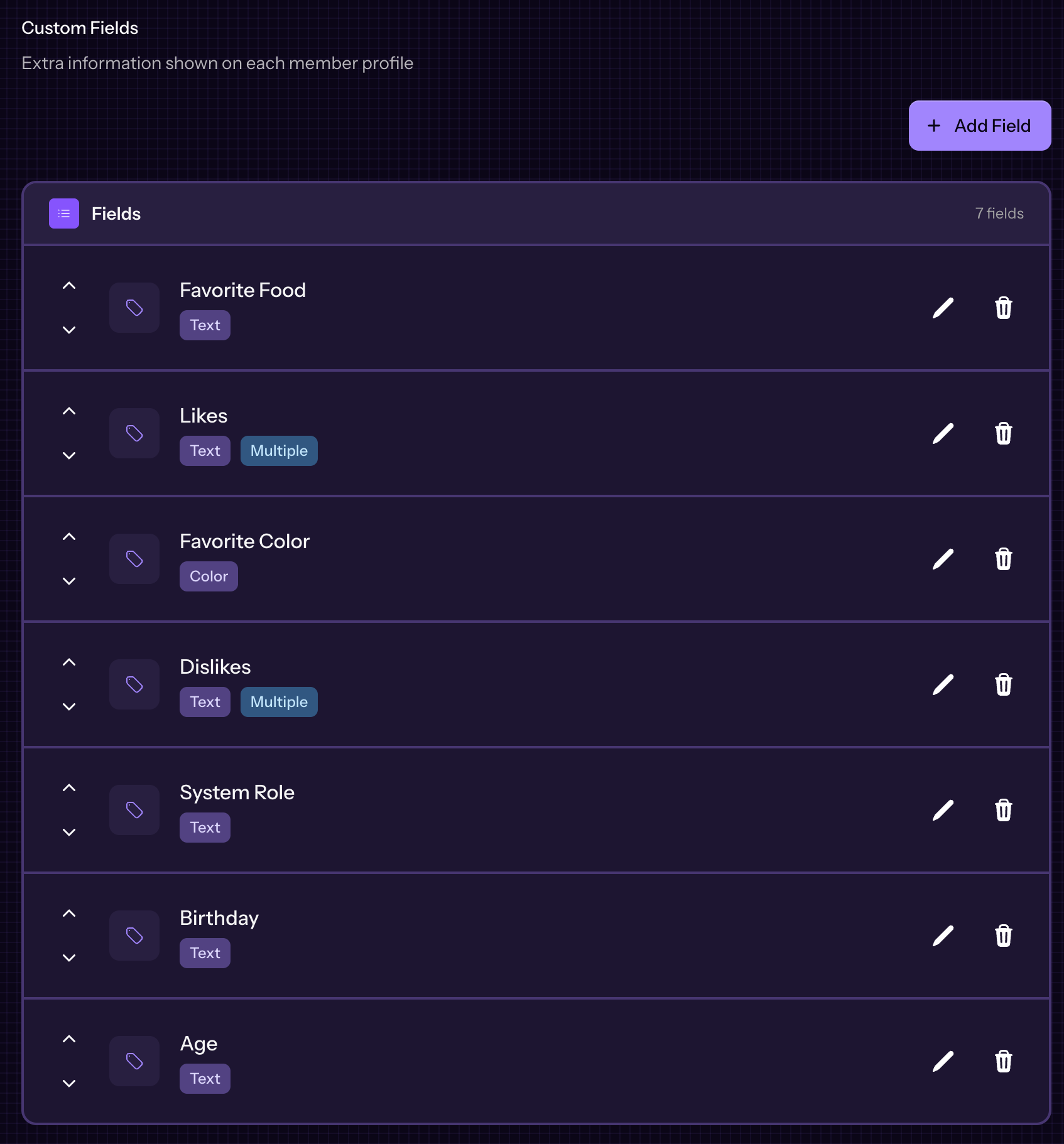
Custom Fields are available for all systems, with no limit to the number of custom fields you have for your system. There are a few defaults that come with every new system created in PluralSpace, and you can choose to leave them, remove them, or change them. You can view them in your Custom Field Settings under your System Settings.
Field Types
We have a selection of custom field types available, with more being added as they are requested.
Text
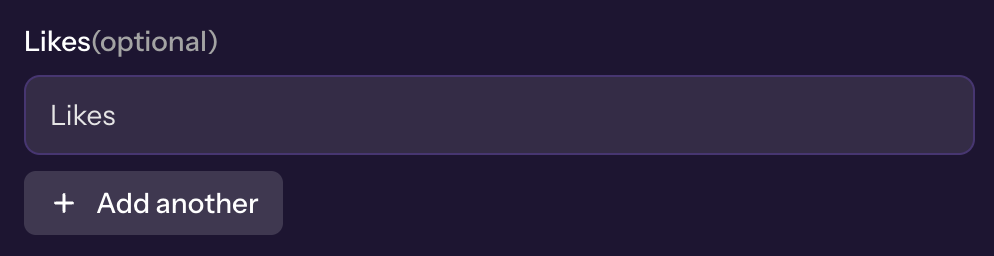
The text field type is a normal single line text input. The Favorite Food default field is a single text field. This field has a unique option as well to allow Multiple, like the Likes default field. These then render as a list when not editing.

Number
The number field is what it says, it's just a number. It makes it so you can only enter numbers into the field.

Date
Date fields are what they say on the tin. It's a date! It gives you the ability to set a date and time.

Link
Does a member have socials? Awesome! You can create links automatically that are clickable.

Color
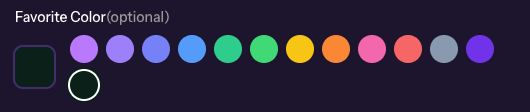
Gives you color swatches with some preset colors, and the ability to select a custom color.
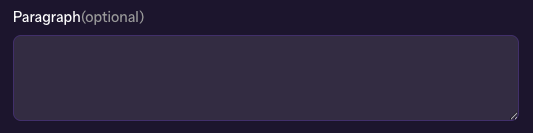
Paragraph (currently Text Field)
Paragraphs are kind of like text fields, but allow for multi line support that doesn't convert to a list.
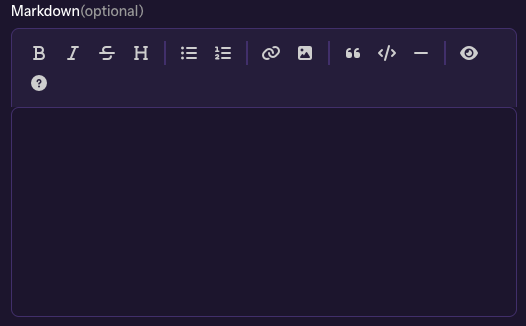
Markdown
The markdown type allows you to write markdown to display on your page. We tried to follow as many conventions that SimplyPlural had that we could find. There are some quirks, so just be careful and make sure to test what it looks like often!
- Rundown of Markdown
Block Editor
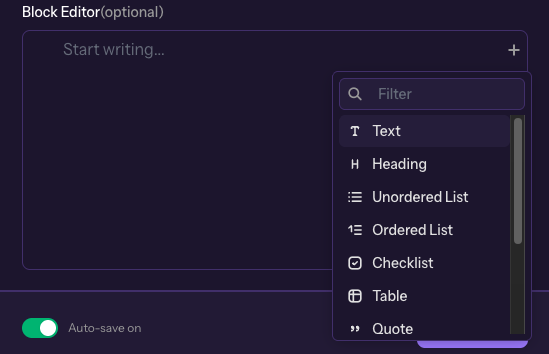
Arguably the most powerful editor we have. It's kind of like notion, where you can add all sorts of blocks, columns, lists, tables, without having to know markdown. This is also the only editor that allows uploads of images! Fun fact, the block editor is what is used to write the articles here.
- Rundown of Block Editor