Members Dashboard
Last updated September 11, 2026
The default for the terminology term well be "member", "Front", "Fronting", "Systems". If you want to change your terminology: Changing Terminology.
When going to your "member" tab click + new "member" on top right of your screen to create new "members"
How to mass select visibility
Click Select/Check -> Select all -> Set Visibility
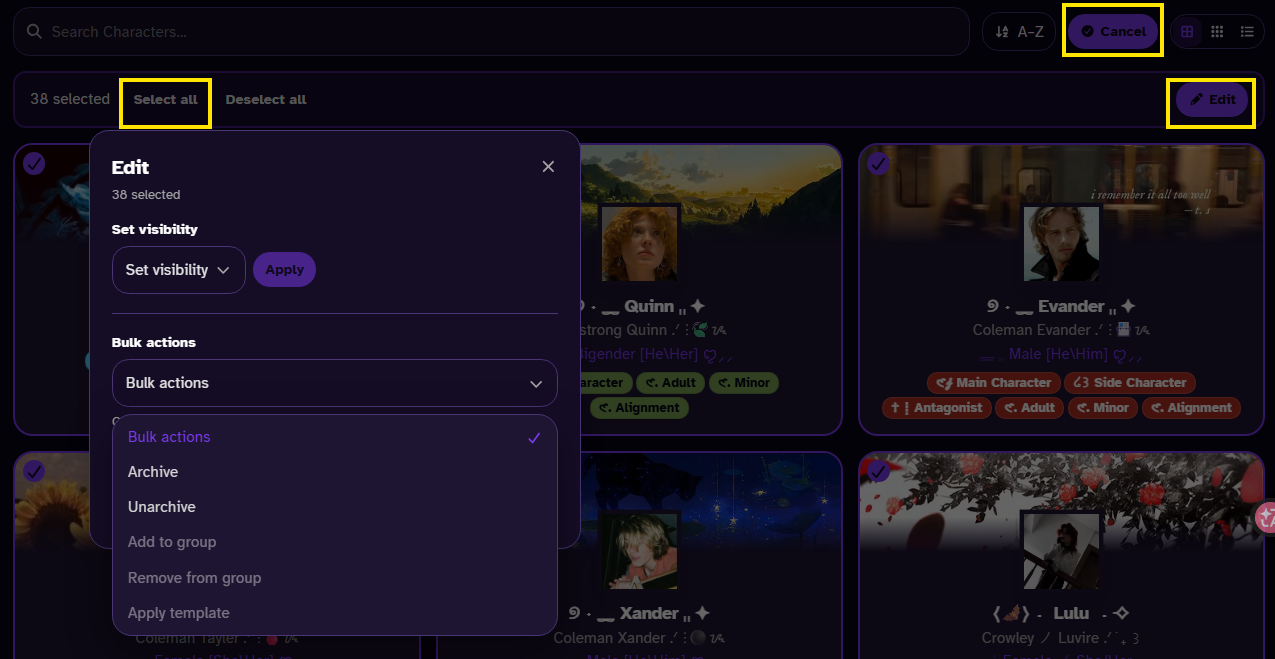
Apply templates: Apply your template.
Move: Moving the selected alter to a (sub)system
How to filter from members
There should be filters button includes:
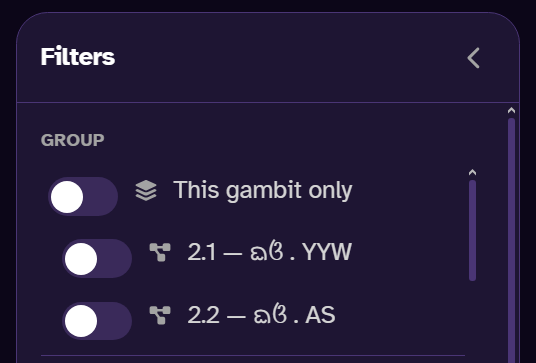
Filter Groups & Sub-system
- Able to toggle groups or sub-system to filter out alters.
Filter Active
- Always set as “Active” if you want to see your archive alters select the “Archive”.
Current Fronting
- Filter out your current fronting
Recently Deleted
- alters that are recently deleted can be restored up to 15 days
Filter Visibility
- Filter out alters by their visibility.
Filter Roles
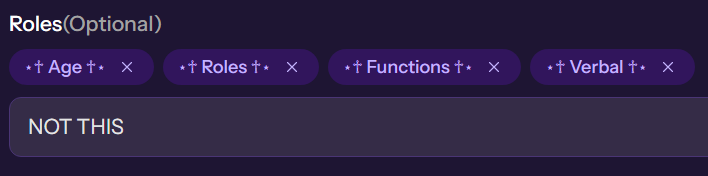
- Filter out roles you have created, make sure there no space, or typo for it not to duplicate roles.
Alter roles
- the dropdown of the roles is just a suggestion (You don't have to follow)
- To customized your roles you have to individually go to each "member" and go to roles section. It show a dropdown of suggested roles but to customized roles by typing whatever you want and click enter.
- Groups
- More information: Group Types
Individuals members
When editing alters the layout includes:
- Edit attributed to
- When selecting an "alter" the Activity tab should be show which “alter” preform each action.
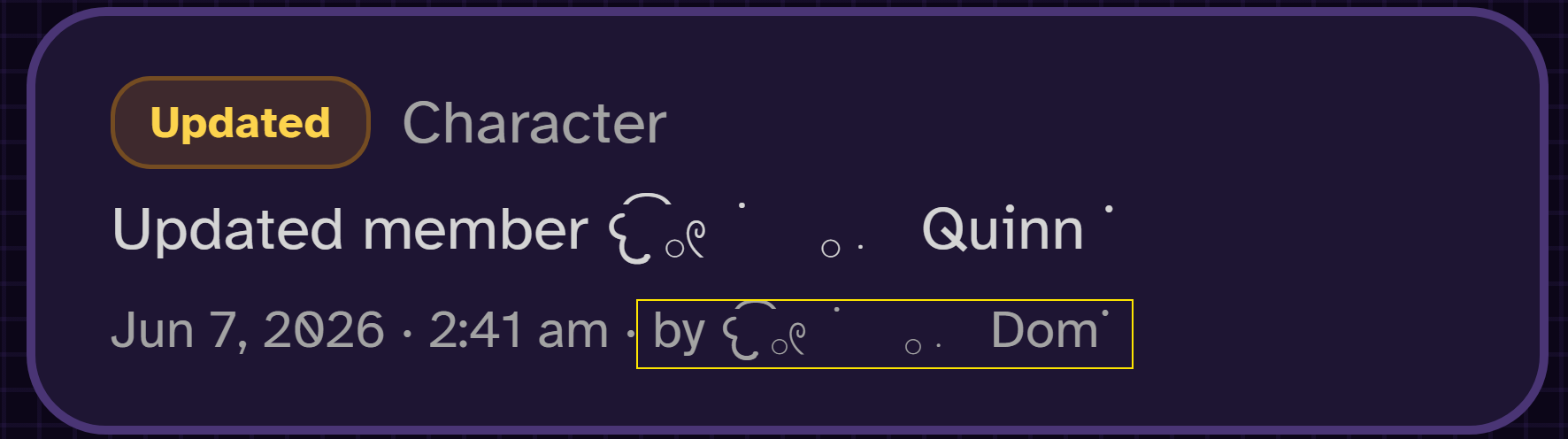
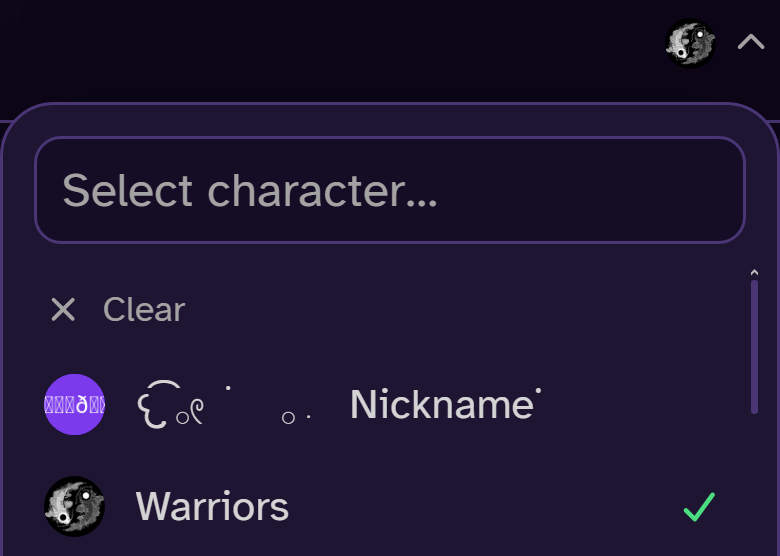
Automatic edit attributed to
Alter Color
- Custom your color by double clicking
Message Prefix
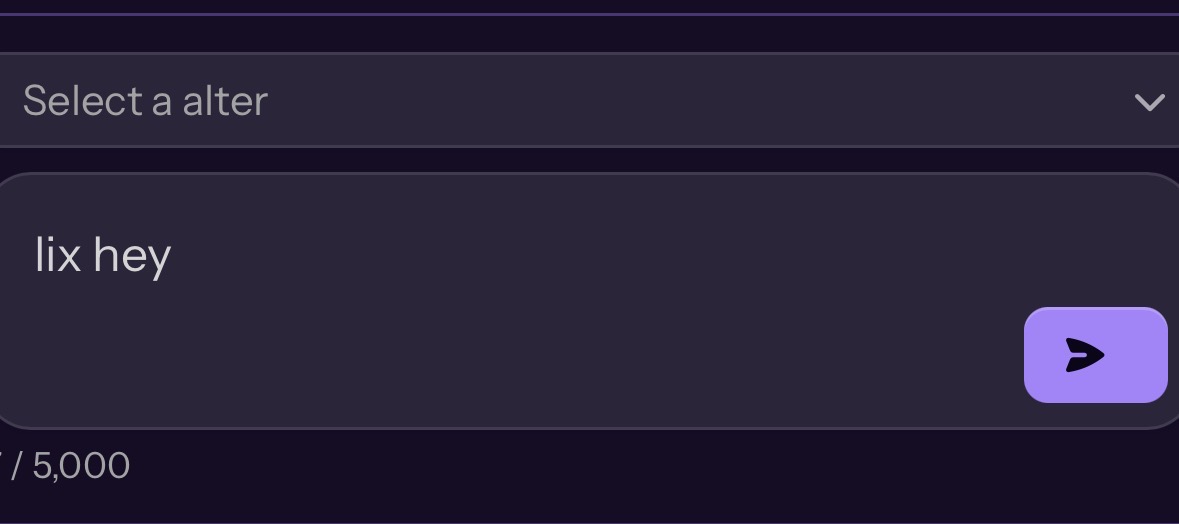
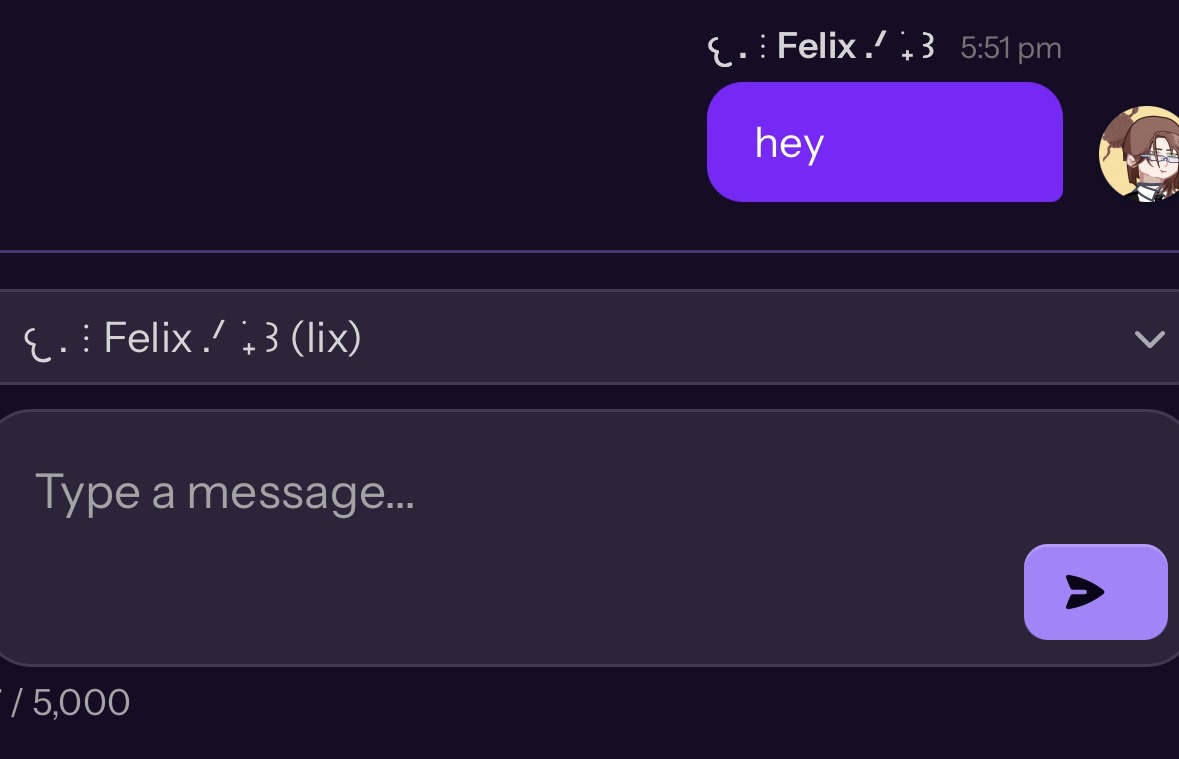
- The message prefix can be used in the Chat category. For example, if the prefix is set to “lix,” typing “lix hey” in chat will trigger it automatically. Keep in mind that capitalization matters—if it’s set to “lix” and you type “Lix,” it won’t work and will prompt you to choose an alternative.
Profile info
- More info: Custom Field
Tags:
member
Was this helpful?